Agenda
Schedules by group, day and room. Everyone sees only their own agenda.
Agenda, announcements, routes and surveys in one app. Change it in the panel, publish, and it’s on every attendee’s phone within seconds.
Used at events for these brands
Changes wait in a draft first. The moment you publish, the app refreshes itself: nobody downloads an update, nobody looks at an outdated agenda.
Try it yourself: change the name or pick a theme, then press Publish.
Every module is switched on, ordered and styled to your brand from the panel. Attendees only see what you turn on.
Schedules by group, day and room. Everyone sees only their own agenda.
Instant, with push notifications. Unread ones wait in a separate list.
Flights, hotel and transfers on one screen. Opens even without internet.
Event venues and free-time tips, with photos and addresses.
Feedback after each session. Results in the panel, instantly.
Answers with your event’s own information. The organising team’s phones go quiet.
Gala invitation, house rules, sponsor showcase. Built with the block editor, no limits.
You write a two-line announcement in the panel. The push notification reaches every attendee at the same moment; nobody waits in the lobby for nothing.
You change the session’s room and publish. Anyone who opens the agenda sees the new room, and the map link updates too.
You prepare the survey and send the notification. As answers build up in the panel, you adjust the afternoon to match.
No more answering the same question a hundred times. The AI assistant reads the event information and gives the attendee the right answer.
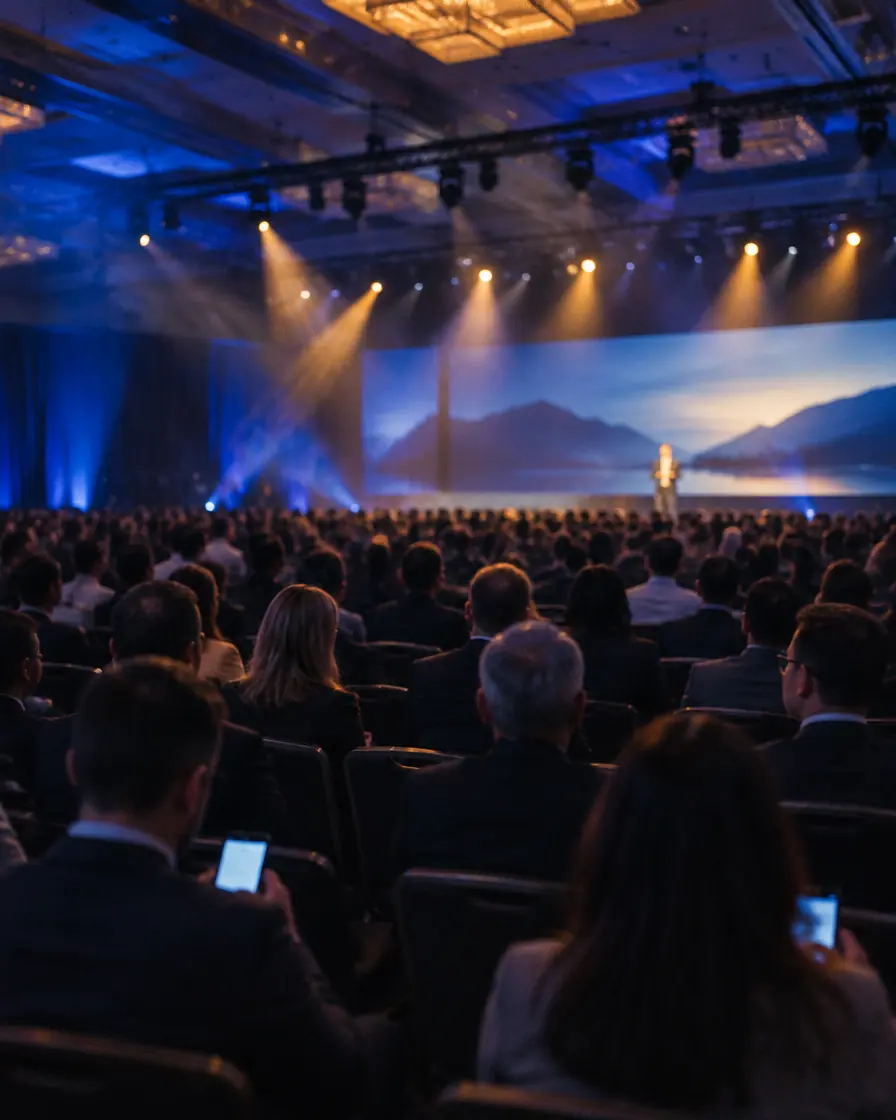
Hundreds of dealers, an agenda split into groups. While Group 1 tours the factory, Group 2 is in a presentation; everyone sees their own schedule.
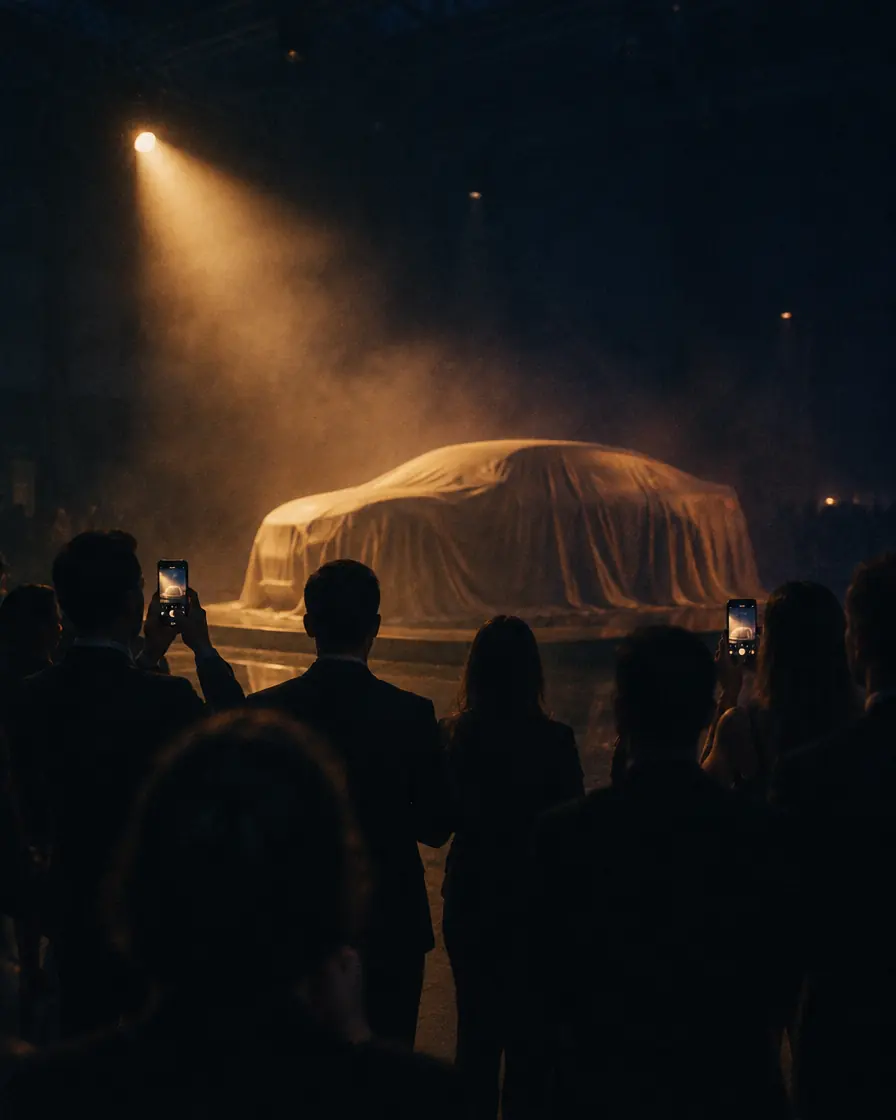
Content stays in draft until the moment of the launch. When the curtain rises, it goes live with one tap.
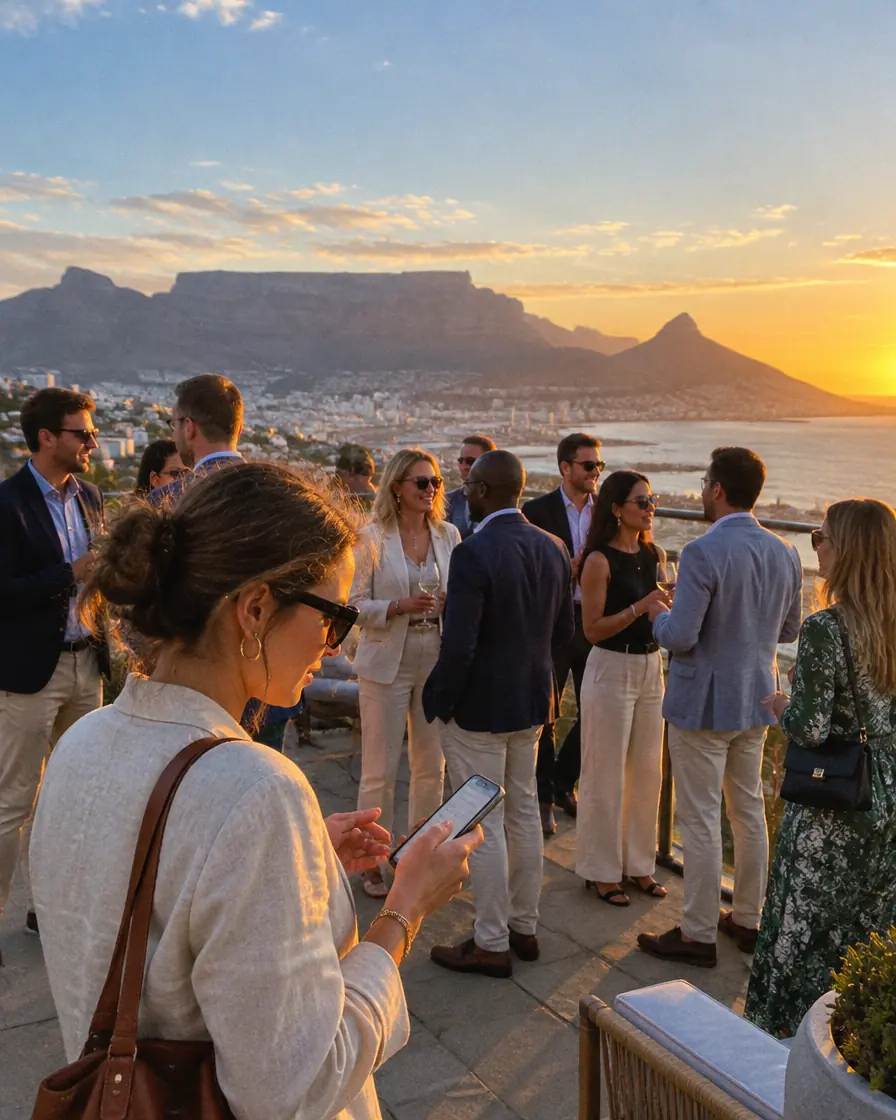
Flights, hotel, city guide and local time. Opens offline on the plane, at customs, in the hotel lobby.
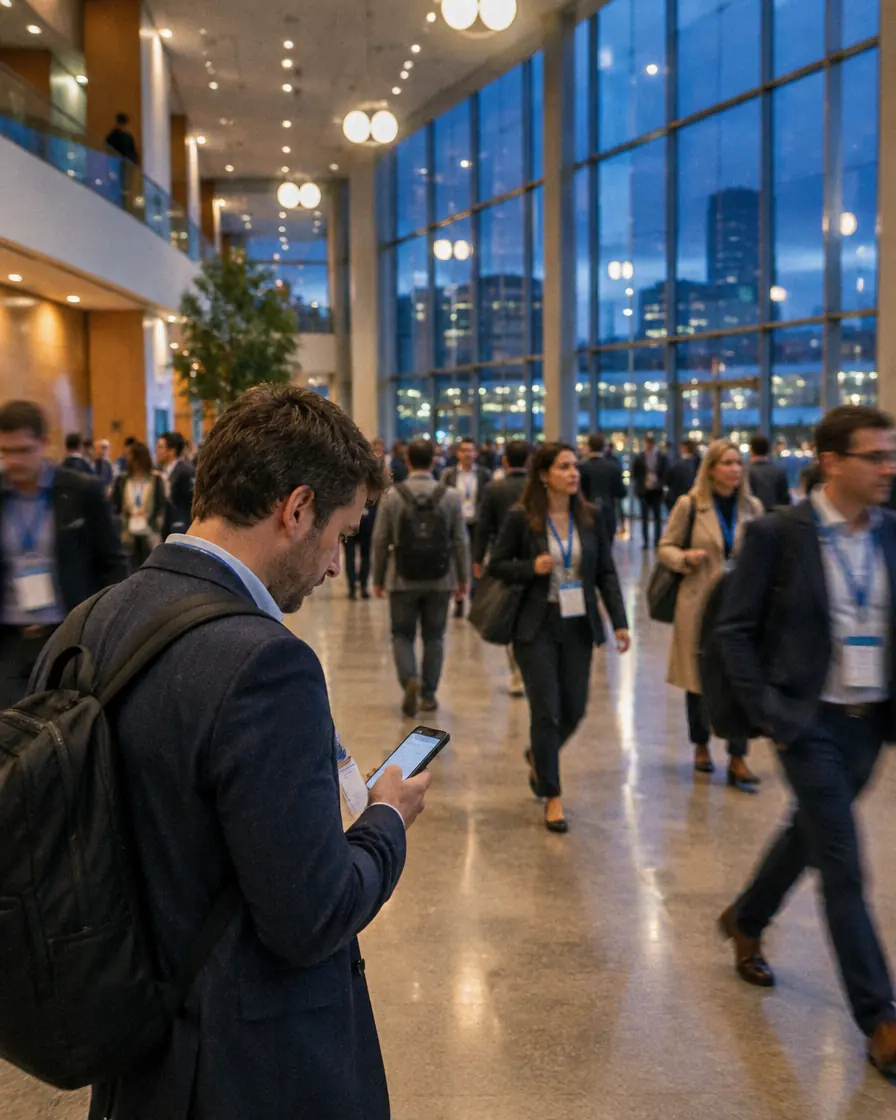
Busy multi-room agendas, with day and room views. Attendees find their session in seconds.
Four ways to join, depending on the event. An open launch works, and so does a dealer meeting for invited guests only.
No time-zone mix-ups abroad: every time carries a GMT label.
Agenda, locations and travel details are stored on the phone. It refreshes itself once it’s back online.
A true-to-life phone preview in the panel. What you type appears on screen instantly; no surprises.
They download EventhubX and join with the event code or a QR code. Every event opens in your colours.
If your question isn’t here, send it through the demo form and we’ll get back to you.
They download EventhubX from the App Store or Google Play and join with the event code or a QR code. Depending on the event, the code alone may be enough, or you can require a full name, email verification or a guest list. Once the app opens, the event appears with your logo, colours and imagery.
No. Prepare the event in the panel and press Publish; there’s no app store review to wait for. Changes you make during the event also land on attendees’ phones instantly.
You change the time, room or session in the panel and publish; the app refreshes itself. If you like, you send a push notification at the same time, and unread announcements wait in a separate list.
Yes. Agenda, locations and travel details are stored on the phone, so the app opens on a plane or in a hall with no signal. Once it’s back online, it refreshes itself.
Yes. You create your brands under your agency account and manage each brand’s events separately. You can give your team the owner, admin, editor or viewer role, and invite the brand-side team to the same panel.
Only the event information you enter in the panel: agenda, locations, travel, announcements and any notes you add. You can switch the assistant on or off per event.
On servers in Germany. Each organisation sees only its own events, and all connections are encrypted. Details are in the Privacy Policy and the KVKK Information Notice.
From meetings of a few dozen people to congresses with thousands. If you’re planning a large event, we’ll plan the capacity together during the demo call.
Let’s set up a live demo running on your brand. Change something in the panel, watch it on the phone, and the decision makes itself.
Or email us directly: contact@twiceapps.co